How to Buy Mobile Legends Diamonds in Pakistan: Safe Top-Up Guide 💎
21 Nov 2026

Quick takeaway ⚡
Diamonds are the paid currency of Mobile Legends: Bang Bang, the 5v5 mobile game millions of Pakistanis play every day, and they buy the heroes, skins, emotes and passes that free players cannot get. To buy Mobile Legends diamonds in Pakistan, there are two ways that actually work. First, buy inside the game through Google Play, paying with a local debit card or with JazzCash or Easypaisa added to Google Play. Second, order a WhatsApp top-up: Mobile Legends Diamonds Pakistan at Ocean Computer costs Rs 1,200 for 280 diamonds, Rs 2,350 for 575, Rs 3,250 for 799 and Rs 13,000 for 3,365, plus a Twilight Pass at Rs 2,300, and you pay in PKR on WhatsApp while the diamonds land on your account using only your User ID and Zone ID. One rule sits above everything else: a real top-up only ever needs those two numbers. It never asks for your password, your OTP or login access, and anyone who does ask is running a scam. The best value buy for most players is the 575 diamonds pack at Rs 2,350, which covers most skins and the Twilight Pass with change to spare, while the 3,365 pack is the cheapest per diamond if you buy in bulk. The rest of this guide shows you where to find your IDs, walks through each way to buy, lists the real prices, and covers the safety rules that keep your account yours.
What are Mobile Legends diamonds? 💎
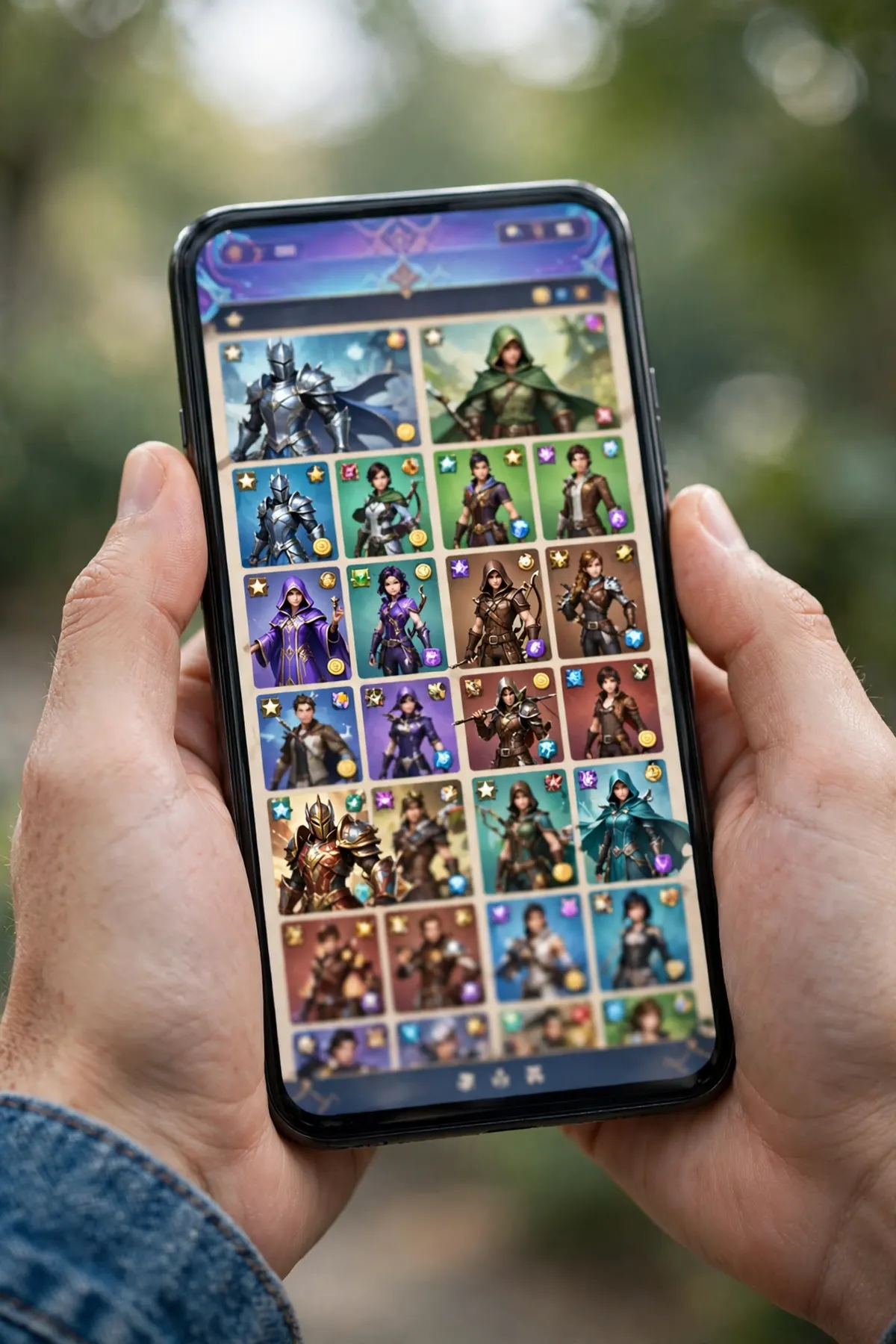
Mobile Legends: Bang Bang, usually called MLBB, is a 5v5 MOBA game from Moonton, and it is one of the most played mobile games in Pakistan. Two teams of five fight across three lanes, and a match takes about ten minutes, which is why it fits so well into a tea break or a bus ride. The game itself is free, and diamonds are the paid currency inside it. You spend diamonds on heroes, so you can unlock a hero outright instead of grinding for it, on skins that change how your hero looks, on emotes, on the Starlight membership, on the Twilight Pass, and on draw events where you try your luck for rare skins. Your diamond balance lives on your MLBB account, so it stays with you across matches and seasons on the same account. Three things are worth knowing before you spend anything. First, diamonds cannot be transferred to another account: once they land on a User ID, they stay there, which is why typing the ID right matters so much. Second, diamonds cannot be turned back into cash, and Moonton does not refund them once bought. Third, diamonds are sold in fixed packs, not in any amount you type in, so the smart move is to decide what you want to buy first — a skin, a hero, a pass — and then pick the pack that covers it, instead of buying the biggest pack and hoping it gets used. If you already know all this and just want the price and the steps, skip to the price table and the step-by-step sections below.
Find your User ID and Zone ID first 🆔
Every safe top-up in this guide starts with two numbers, and finding them takes less than a minute. Open Mobile Legends: Bang Bang on your phone and wait for the main lobby to load. Tap your profile picture in the top-left corner of the screen. Your ID appears under your in-game name in the format 12345678 (1234). The long number before the brackets is your User ID, usually 7 to 10 digits, and the number inside the brackets is your Zone ID, usually 4 to 5 digits, sometimes called the Server ID. Both numbers are permanent and cannot be changed, unlike your nickname, so the same pair works for every order you ever place. Copy both numbers straight from the profile screen instead of typing them from memory, and read them back twice before you send them anywhere. The Zone ID matters as much as the User ID: it tells the top-up system which server your account lives on, and diamonds sent with the right User ID but the wrong Zone ID can land on a different account. The same pair also works if you are topping up for a friend — enter their User ID and Zone ID, never your own — but only do that with their permission, and double-check both numbers, because a top-up credited to the wrong account cannot be pulled back.
Ways to buy Mobile Legends diamonds in Pakistan 💳
Start with the official route, because it is the one with no middleman at all. Open the game, go to the diamond shop, and buy inside the game through Google Play. You pay with a local debit card, or with JazzCash or Easypaisa added to Google Play as a payment method, and the diamonds appear in your balance at once. The catch is the same one every Pakistani gamer knows: Play Store prices are shown in rupees but the billing runs through Google, and some banks block or cap online game payments, so the in-game route does not work for everyone. The second way is a WhatsApp top-up from a local seller, which is the route this guide is built around. You send your User ID and Zone ID on WhatsApp, pay in PKR with the payment details sent in the chat, and the diamonds are credited to your account once payment is confirmed, usually within minutes during working hours. No card, no dollar conversion, no foreign transaction. The third way is a Pakistani top-up website, where you type your User ID and Zone ID into a form, pick a pack, and pay with Easypaisa, JazzCash or a local card. These sites work the same way as a WhatsApp top-up — by User ID only — and the honest ones never ask for your password either. A fourth way, Google Play gift cards, is barely worth listing: the cards are not sold in Pakistani shops, so you need a card from abroad, and for most players it is more trouble than the other three ways. Whichever way you pick, the test is always the same: if anyone asks for your Moonton login, your Google or Facebook login, your password, or an OTP code, walk away. A real top-up runs on two public numbers, and nothing else.
Mobile Legends diamonds price in Pakistan 💰
On Ocean Computer, Mobile Legends Diamonds Pakistan sells in four diamond packs plus the Twilight Pass, all in PKR and all ordered on WhatsApp. The smallest pack is 280 diamonds for Rs 1,200, which works out to about Rs 4.29 per diamond. The 575 diamonds pack costs Rs 2,350, about Rs 4.09 per diamond, and it is the pack most buyers pick, because it covers most skins and the Twilight Pass with some left over. The 799 diamonds pack costs Rs 3,250, about Rs 4.07 per diamond. The biggest pack is 3,365 diamonds for Rs 13,000, about Rs 3.86 per diamond, the cheapest per diamond on the store, and the right pick if you buy in bulk or split an order with a friend's ID in mind — remember each order goes to one User ID only, so a shared pack still lands on one account. The Twilight Pass costs Rs 2,300 and works differently from a diamond pack: it is a pass that pays out rewards over time instead of landing diamonds in one lump. Other sellers in Pakistan charge roughly the same: one local top-up site lists 278 diamonds at Rs 1,199, almost the same as the store's 280 for Rs 1,200, so the store price is in line with the market, not above it. The same product is also listed on our other store, Mobile Legends Diamonds on Affordable Subscriptions from $4.99 for 280 diamonds up to $46.99 for 3,365, with the Twilight Pass at $8.99 — but note honestly that the Europe listing only works on Europe-region MLBB accounts, so Pakistani accounts should use the PKR packs on Ocean Computer. All of these prices change over time, so check the product page before you pay, and remember the per-diamond maths above: the bigger the pack, the less each diamond costs you.
What to spend your diamonds on — best value 🎯
Diamonds are easy to waste, so spend them with a plan, not on impulse. Heroes are the most practical buy: unlocking a hero you actually play gives you a new pick in ranked matches, and it never expires. Skins are the most popular buy, and the honest truth about them is that they only change how your hero looks — a skin does not make you play better, hit harder, or win more matches — so buy the skin for a hero you already play every day, not for one you might try once. The Twilight Pass is the best value for regular players: you pay once and collect rewards over time, which beats buying the same rewards one by one. The Starlight membership is the same idea in a monthly shape, with a skin and rewards for the month, and it suits players who log in every day. Draw events are the trap to watch: they are random, so a rare skin can cost a few draws or a few thousand diamonds, and the only safe way to play them is to set a limit before you start and stop when you hit it. A simple rule covers most players: buy the pass first if you play daily, buy the hero second if it is one you will main, buy the skin third if it is for that hero, and treat draws as a treat, not a plan. And if you are buying for a younger brother or a child, agree the budget before the top-up, because diamonds disappear fast when every draw looks like one more try.
Honest limits — scams and safety ⚠️
A top-up is safe when it runs on your User ID, and five dangers sit outside that rule. First, free diamond generators and free diamond apps are all scams: no website or app can put diamonds on your account for free, and the ones that promise it want your login, or they install something nasty on your phone. Second, anyone who asks for your password, OTP, or login access is not selling you diamonds — they are taking your account, and a stolen MLBB account with your skins and rank is very hard to get back. Third, a wrong User ID or Zone ID sends your diamonds to a stranger, and no seller can pull them back, so copy the numbers from your profile screen and read them twice before paying. Fourth, diamonds do not make you win: they buy looks, heroes and passes, and your rank still depends on how you play, so no pack is a shortcut to Mythic. Fifth, the small print: the Weekly Diamond Pass, the in-game pass that pays out diamonds a little each day, needs your account to reach level 5 before you can buy it, and passes can be stacked only up to a limit, so check the in-game rules before you buy a pass expecting a lump sum. One more honest note: the store's packs are top-ups, not official Moonton gift cards, so if a top-up ever fails to arrive, message on WhatsApp at once with your order details and your User ID — that is what the order chat is for, and waiting a day only makes it harder to trace.
Mobile Legends diamonds vs PUBG UC vs Free Fire diamonds ⚔️
Ocean Computer sells top-ups for the three games Pakistan plays most, and they all work the same honest way: by player ID only, paid in PKR on WhatsApp, with no password ever asked. The difference is the game, not the method. Mobile Legends diamonds start at Rs 1,200 for 280, which makes them the dearest of the three per pack, because MLBB packs are bigger and the skins cost more. PUBG Mobile UC starts at Rs 250 for 30 UC, the cheapest way in, and it buys the Royale Pass, outfits and crates — our how to buy PUBG Mobile UC in Pakistan guide covers it the same way. Free Fire diamonds start at Rs 600 for 100, and they buy characters, bundles and spins in Free Fire. If you play all three, buy for the game you play most this week, not the cheapest pack on the list. The table below puts the three side by side, and the Mobile Legends vs PUBG Mobile guide compares the two games themselves if you are still choosing a main game.
How to order Mobile Legends diamonds on Ocean Computer 🛒
Ordering takes a few steps, and all of them end on WhatsApp. First, open the game, tap your profile avatar in the top-left corner, and copy your User ID and Zone ID exactly as shown, in the format 12345678 (1234). Second, open the Mobile Legends Diamonds Pakistan page and pick your pack: 280 diamonds for Rs 1,200, 575 for Rs 2,350, 799 for Rs 3,250, 3,365 for Rs 13,000, or the Twilight Pass for Rs 2,300. Third, tap the WhatsApp order button and send the store your User ID, your Zone ID, and the pack you want, and ask anything you still need to know, such as how long delivery takes right now. Fourth, pay with the payment details sent on WhatsApp, and once payment is confirmed the diamonds are credited to the account on your User ID, usually within minutes during working hours. Fifth, open the game, check your diamond balance at the top of the lobby, and spend them on the hero, skin or pass you planned to buy. If the diamonds do not show up, message on WhatsApp at once with your User ID — do not place a second order for the same pack until the first one is checked. If you want the full price picture first, our Mobile Legends diamonds price in Pakistan guide lists every pack in the same plain words, and the Mobile Legends vs PUBG Mobile guide covers the other game if you play both.
Mobile Legends diamonds price in Pakistan (Ocean Computer)
| Pack | Price | Rupees per diamond |
|---|---|---|
| 280 diamonds | Rs 1,200 | About Rs 4.29 |
| 575 diamonds | Rs 2,350 | About Rs 4.09 |
| 799 diamonds | Rs 3,250 | About Rs 4.07 |
| 3,365 diamonds | Rs 13,000 | About Rs 3.86 |
| Twilight Pass | Rs 2,300 | Pass rewards over time |
MLBB diamonds vs PUBG UC vs Free Fire diamonds
| Game | Currency | Cheapest pack on Ocean Computer | What you need to order |
|---|---|---|---|
| Mobile Legends | Diamonds | 280 for Rs 1,200 | User ID + Zone ID |
| PUBG Mobile | UC | 30 UC for Rs 250 | Player ID |
| Free Fire | Diamonds | 100 for Rs 600 | Player ID |
Frequently asked questions
How much do Mobile Legends diamonds cost in Pakistan?
On Ocean Computer, Mobile Legends diamonds cost Rs 1,200 for 280, Rs 2,350 for 575, Rs 3,250 for 799 and Rs 13,000 for 3,365. The Twilight Pass costs Rs 2,300. Bigger packs cost less per diamond: about Rs 3.86 each in the biggest pack against about Rs 4.29 in the smallest.
How do I buy Mobile Legends diamonds in Pakistan?
Copy your User ID and Zone ID from your in-game profile, open the Mobile Legends Diamonds Pakistan page on Ocean Computer, pick a pack, tap the WhatsApp order button, send your IDs, pay in PKR with the details sent on WhatsApp, and the diamonds land on your account, usually within minutes in working hours.
Where do I find my User ID and Zone ID?
Open Mobile Legends, tap your profile picture in the top-left corner of the lobby, and look under your in-game name. Your ID shows as 12345678 (1234): the long number is your User ID and the number in brackets is your Zone ID. Copy both exactly as shown.
Do I need to share my password to top up diamonds?
No, never. A real top-up needs only your User ID and Zone ID. Anyone who asks for your password, OTP, Moonton login or Google or Facebook login is running a scam — walk away and keep your account safe.
How long does a Mobile Legends top-up take?
On Ocean Computer, diamonds are credited once payment is confirmed, usually within minutes during working hours. If they do not show up, message on WhatsApp at once with your User ID and order details so it can be checked.
What happens if I enter the wrong User ID?
The diamonds go to the account on the ID you sent, and they cannot be pulled back. Always copy both numbers from your profile screen and read them twice before paying. If you catch the mistake before payment, just send the right numbers instead.
What can I buy with Mobile Legends diamonds?
Heroes, skins, emotes, the Starlight membership, the Twilight Pass and draw events. Skins only change how your hero looks — they do not make you play better — so buy for heroes you actually play every day.
What is the Twilight Pass in Mobile Legends?
The Twilight Pass is a pass that pays out rewards over time instead of giving diamonds in one lump. On Ocean Computer it costs Rs 2,300. It suits players who log in regularly, because the value comes from collecting the rewards across the pass.
Can I pay for MLBB diamonds with Easypaisa or JazzCash?
Yes, in two ways. In the game, you can add JazzCash or Easypaisa to Google Play and pay through the Play Store. On a WhatsApp top-up, you pay in PKR with the payment details sent in the chat. Some Pakistani top-up websites also take Easypaisa and JazzCash directly.
Are free Mobile Legends diamond generators real?
No. No website or app can give you free diamonds, and the ones that promise them want your login details or install something harmful on your phone. The only real ways to get diamonds are buying them or earning the small amounts the game itself gives you.
Can I gift Mobile Legends diamonds to a friend?
Yes. A top-up goes to whichever User ID you send, so you can order with your friend's User ID and Zone ID and the diamonds land on their account. Only do it with their permission, and double-check both numbers, because a wrong ID cannot be undone.
Do Mobile Legends diamonds expire?
No. Diamonds stay in your balance until you spend them, across matches and seasons on the same account. They cannot be transferred to another account or turned back into cash, so only buy what you plan to use.